Ethernet vs. Wi-Fi: When You Should Just Plug In a Cable
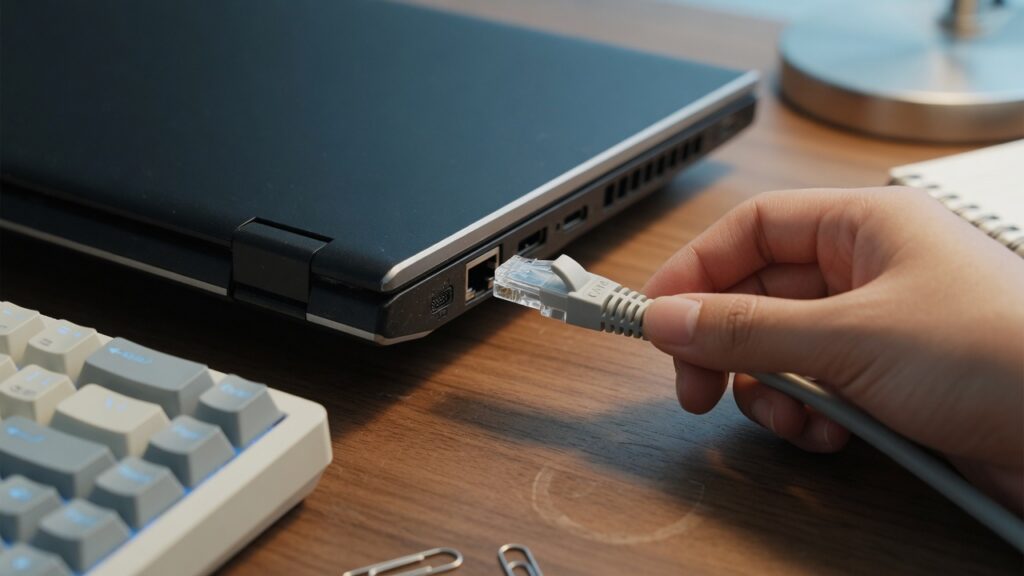
Wi-Fi is convenient. You don’t have to run a cable; devices move around; it just works. I’m not going to argue against Wi-Fi — it’s the right choice for most devices most of the time. But there’s a category of devices and situations where plugging in a cable will make a real, noticeable difference, and it’s worth knowing which ones they are.
What ethernet actually gives you over Wi-Fi
Three things: speed, stability, and latency.
Speed: a wired ethernet connection can deliver your full plan speed directly to the device. A gigabit ethernet port on a router connected to a gigabit cable will give you close to 1,000 Mbps. Wi-Fi speed degrades with distance, obstacles, interference, and how many other devices are competing on the same radio band. The gap between theoretical Wi-Fi speed and actual delivered speed is almost always significant.
Stability: ethernet doesn’t drop. It doesn’t get interference from a neighbor’s network, a microwave oven, a baby monitor, or a busy channel. The connection is physical. If the cable is plugged in and the devices are working, the connection is there. Wi-Fi is fundamentally a radio technology, and radios have environmental variability.
Latency: ethernet consistently delivers lower latency — typically 1–2 ms — compared to Wi-Fi, which varies based on interference, device distance, and load. For most web browsing, the difference is imperceptible. For gaming, where every millisecond of ping contributes to response time, it’s meaningful. For video calls, lower and more consistent latency means better synchronization.
Devices that should be wired if you can manage it
Desktop computers. If it doesn’t move, there’s no reason for it to be on Wi-Fi. A desktop in a home office with an ethernet cable will perform better than the same machine on Wi-Fi, full stop.
Work laptops at a desk. If you sit at a desk for video calls and remote work, a USB-C to ethernet adapter costs $15–25 and adds a wired port. Leave it on the desk, plug in when you sit down. Video call quality noticeably improves.
Gaming consoles. PlayStation and Xbox both support ethernet. If you care about ping and connection stability in online games, wiring the console is one of the highest-leverage things you can do. Ethernet on a gaming console typically reduces ping by 5–20ms compared to Wi-Fi, and eliminates the random spike events that Wi-Fi produces.
Smart TVs and streaming devices. Most smart TVs have an ethernet port on the back. Most people never use it. A wired TV gets your full internet speed and doesn’t compete with other Wi-Fi traffic. Buffering becomes much less common. If your TV is anywhere near an ethernet jack, this is worth doing.
Network-attached storage (NAS). If you have a NAS for backups or media storage, it should absolutely be wired. Copying large files or streaming high-bitrate video from a NAS over Wi-Fi is slow and unreliable compared to a wired connection. Most NAS devices have gigabit ethernet as standard.
Devices that are fine on Wi-Fi
Phones and tablets — they move. Smart home devices — they don’t need the bandwidth. Laptops you actually carry around. Smart speakers. Security cameras (usually; higher-res cameras with continuous recording are an exception where wired is better). Most light browsing devices.
The objection: running cables is a hassle
Yes, sometimes it is. But the options are broader than most people realize.
If you’re in the same room as your router, the cable run is trivial — a 10-foot patch cable is a few dollars. If you need to go to another room on the same floor, cables can often run along baseboards or behind furniture without any drilling. Cable clips and flat patch cables (designed to go under doors or carpet) make this much less visible than you’d expect.
If you need cable between floors, that’s where it gets more involved. Options include: drilling a hole through the floor (more permanent, cleanest result), using a powerline ethernet adapter (runs the signal through your home’s electrical wiring — not as fast as a direct cable but much better than Wi-Fi for stable traffic), or accepting Wi-Fi for that connection with a good mesh node nearby.
A roll of Cat6 cable and a bag of cable clips from a hardware store costs under $30 and can serve a home office setup for ten or more years.
The practical starting point
If you have a device that’s stationary and performance matters — your desktop, your main work laptop, your gaming console, your TV — check whether there’s a practical cable path between it and your router or a network switch. If there is, run the cable. The improvement is real and permanent.
Wi-Fi is genuinely excellent for the devices that need to move around or where a cable isn’t practical. For everything else, the cable is usually the better choice if you can manage it.

Connor writes practical guides on Wi-Fi, mesh networks, and home security — breaking down complex IT topics into clear, beginner-friendly steps.
More about me →