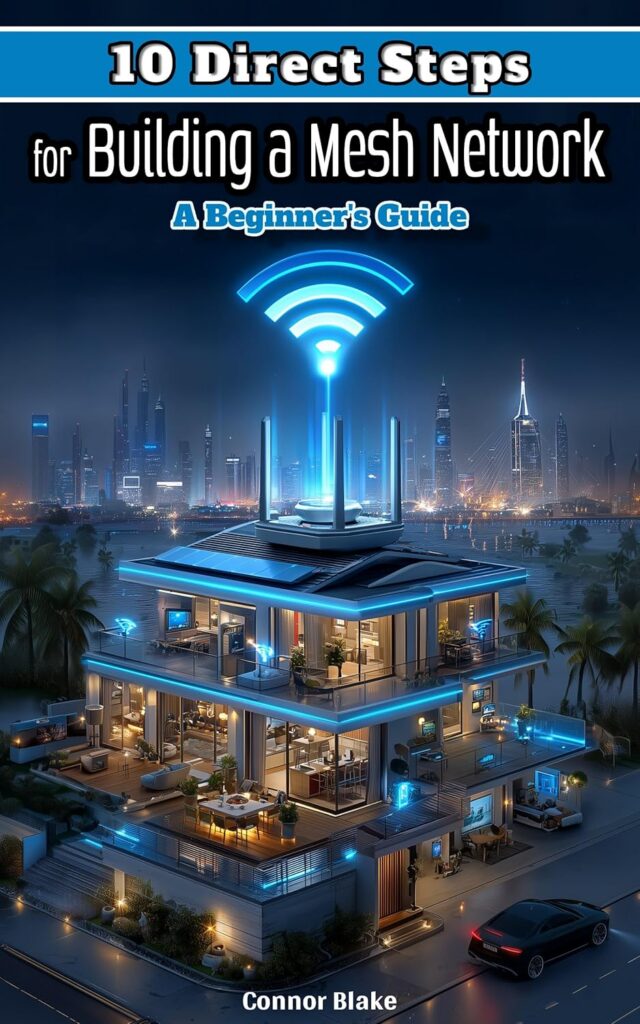
Direct Tips for Building a Mesh Network: Beginner’s Guide
Concise, actionable tips for building a high-performance mesh network — hardware selection, node placement, backhaul strategy, and QoS tuning explained simply.
Weak signals and frustrating dead zones are not inevitable. Direct Tips for Building a Mesh Network is the practical answer — a focused, no-nonsense guide that delivers exactly what the title promises: ten direct, actionable tips that get results immediately.
Connor Blake, an IT veteran with more than twenty years of hands-on work in home networking, walks you through every step: assessing your space, choosing and placing your nodes, configuring your system for maximum performance, and fine-tuning for long-term reliability. Even if technology has never been your strong suit, you’ll have a strong, consistent Wi-Fi setup delivering results from the very first chapter.
Ten tips. Real results.
Each chapter is structured around a single, actionable tip — no padding, no filler. You get exactly the information you need, explained clearly, with step-by-step instructions and real-world examples. From initial placement strategy to advanced QoS settings, every tip builds on the last to give you a complete, optimised mesh network by the end of the book.
What you'll read.
What readers are saying.
This is the most practical mesh guide I've found. No fluff, no padding — just real tips that worked first time.
The backhaul section finally explained why my original setup was underperforming. Made two changes and speed doubled.
Short, focused, and packed with information. Exactly what I needed to upgrade from my old router setup.
Related books.

A Practical Guide to After-Death Transfer of Bitcoin and Crypto to Your Loved Ones
How to ensure your Bitcoin and cryptocurrency holdings reach your family after you're gone. Plain-language guidance on wallets, keys, and inheritance planning — no…

Extending Mesh Outdoors: Creating Robust Wi-Fi for Gardens and Backyards
How to push your mesh Wi-Fi signal out to the garden, patio, or backyard without dead zones. Covers node placement, weatherproofing, and getting full…

Pocket Guide with Everyday Help for Smart Homes: Everyday Fixes, Instant Results
A quick-reference troubleshooting guide for the most common smart home headaches — lights that won't respond, speakers that drop out, and automations that stop…
Related dispatches.

Cellular Signal Boosters for RVs: What They Can Do, What They Can’t, and What to Buy
Cellular signal boosters are one of the most consistently misunderstood products in the RV connectivity market. Some people swear by them. Others…

Apartment Wi-Fi: How to Get Good Signal When You’re Surrounded by Neighbors
Apartment buildings are the worst-case scenario for Wi-Fi. You’re surrounded by dozens of other networks all operating on the same limited radio…

How to Protect Your Home Network from Ransomware
Ransomware used to be mostly a business problem. Then it became a small business problem. Now it’s a home network problem too…
Direct Tips for Building a Mesh Network: Beginner’s Guide
56 pages · Kindle Edition