Troubleshooting Why Your Mesh System Won’t Connect to a Specific Bedroom Device
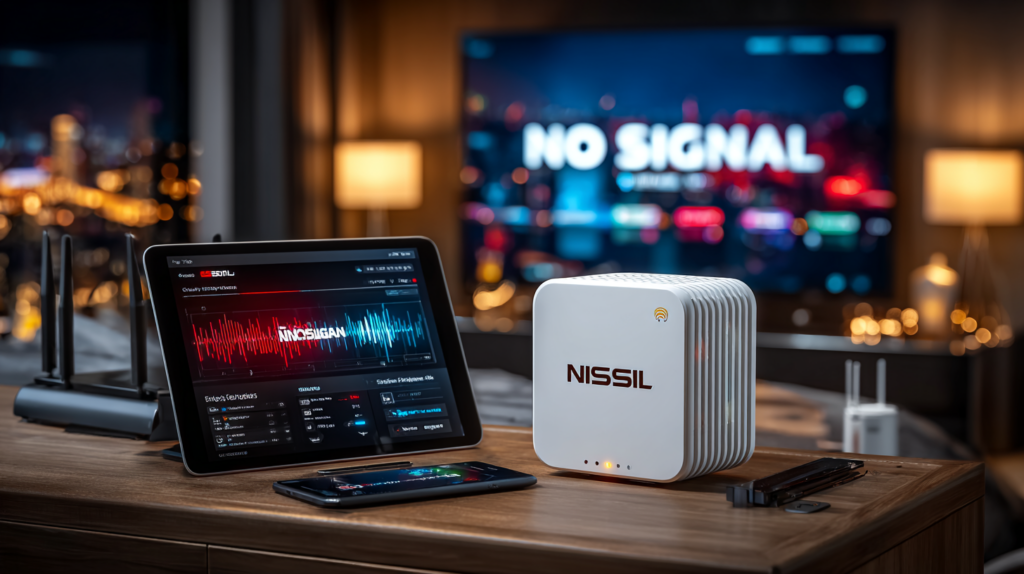
A reliable Wi-Fi connection in the bedroom is essential — whether for a smart TV, tablet, gaming console, or laptop. But what happens when your mesh system connects every other device except one? This is more common than you’d think, and it’s usually fixable in a few targeted steps.
Common Causes
A bedroom device might fail to join your mesh network due to: incompatible Wi-Fi standards (older devices may only support 802.11n), signal interference from metal bed frames or electronics, band mismatches (2.4 GHz vs 5 GHz), or IP address conflicts with another device on the network.
Step-by-Step Fix
Step 1: Verify Wi-Fi Capability
Check the device’s specs for its Wi-Fi version (802.11g, ac, ax) and compare to your mesh system. Move the device within 5–10 feet of a node and try connecting — if it works, the issue is distance or interference.
Step 2: Restart Device and Node
Turn off the device for 30 seconds, then unplug the nearest bedroom node for 30 seconds. Power both back on and retry. This resolves most temporary glitches.
Step 3: Check Band Compatibility
In the mesh app, find “Band Steering” or “Device Prioritization.” Disable automatic steering temporarily and manually assign the device to 2.4 GHz (better range for older or distant devices) or 5 GHz (faster, shorter range).
Step 4: Forget and Rejoin the Network
On the device, go to Wi-Fi settings, select your mesh network, choose “Forget,” then reconnect and re-enter the password. Stale cached credentials are a frequent cause of persistent connection failures.
Step 5: Check for Interference
Move cordless phones, Bluetooth speakers, and baby monitors away from the node. If the node is behind a metal bed frame or thick curtains, shift it to a higher, clear spot.
Step 6: Update Firmware and Drivers
Check the mesh app for node firmware updates. On laptops, download the latest Wi-Fi driver from the manufacturer. Reconnect after updates complete.
Step 7: Assign a Static IP
In the mesh app or router web interface, find DHCP settings and reserve a static IP for the device based on its MAC address. This eliminates IP conflicts permanently.
Prevention
Update firmware monthly, keep the bedroom node away from new electronics, and note which band each device prefers.
Learn More
For detailed mesh network troubleshooting, see Wi-Fi Made Simple: A Beginner’s Guide to Mesh Networks. Buy now on Amazon.

Connor writes practical guides on Wi-Fi, mesh networks, and home security — breaking down complex IT topics into clear, beginner-friendly steps.
More about me →