How Many Mesh Nodes Does Your Home Actually Need?
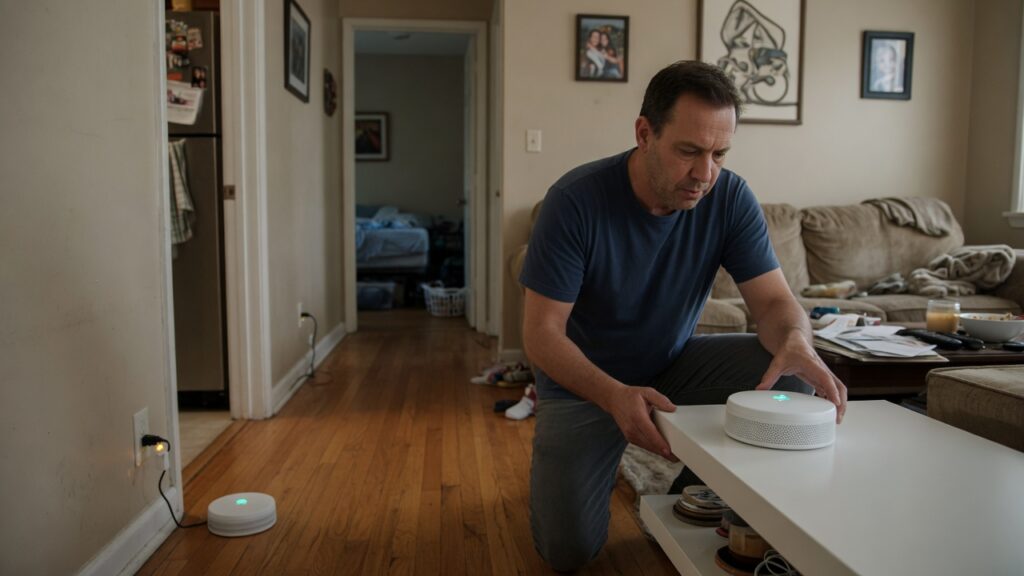
Mesh system packaging loves big numbers. Covers up to 5,500 square feet! Three nodes! Six nodes! Some boxes show a giant house with signal waves flooding every room including the attic and the garden shed.
Then you set it up, and two of the three nodes have one bar between them and you’re not sure if this is how it’s supposed to work.
The reality is that the number of nodes you need depends on a handful of specific things about your home — and it’s usually fewer than the marketing would suggest. Let’s be practical about this.
The honest baseline
A single mesh node — the primary one connected to your modem — covers roughly 1,500 square feet in a typical home with standard drywall construction, no particularly thick walls, and no major interference sources. That’s a reasonable single-floor layout with normal room separation.
A two-node setup covers around 3,000–4,000 square feet and is enough for most two-story homes. A three-node kit is marketed at larger homes and is often what families in 3,000+ square foot houses actually need — though not always.
These are starting points, not guarantees.
What actually eats into coverage
The square footage on the box assumes best-case conditions. Real homes have obstacles.
Wall materials make a huge difference. Standard drywall barely affects Wi-Fi signal. Plaster walls — common in older homes — absorb significantly more. Concrete, brick, and cinder block are punishing. Some older homes have metal mesh inside the walls (used as a plaster backing), and Wi-Fi practically stops at those. If your home was built before 1960, expect to need more nodes than a same-sized newer home.
Floors. Going up a level costs you more signal than going through a wall sideways. Concrete floor-ceiling assemblies — typical in condos and multi-unit buildings — are especially problematic.
The shape of the home. A 2,000 square foot house that’s wide and open needs fewer nodes than one that’s long and narrow, or has a weird layout with hallways and add-ons. Signal doesn’t bend around corners. If your router would have to signal around two 90-degree turns to reach the back bedroom, you probably need a node back there.
Interference. Microwaves, cordless phones, neighboring networks, baby monitors — these are all competing on the same radio frequencies. In a dense apartment building, interference from neighbors can cut your usable range noticeably.
A room-by-room approach that actually works
Before buying anything, walk your home with your phone and run a speed test or check signal bars in each room you care about. Note where signal gets weak. Then place your nodes based on coverage gaps — not based on a diagram on the box.
The general principle for node placement: think of it as daisy-chaining. Each additional node should be placed where it still receives a strong signal from the previous one, not at the edge of where the signal dies out. A node placed too far away or behind too many obstacles has a weak backhaul connection and will perform poorly — even if the device connecting to it is physically close.
A common mistake: people place the primary node in a corner or against one wall (because that’s where the modem cable is) and then add a second node as far away as possible to cover the other end of the house. If that second node is barely within range of the first, the whole system slows down. Better to add a third node and place the second one in a mid-point where it has a strong connection to the primary.
Practical node counts by home type
Apartment or small house, single floor, under 1,500 sq ft: One node is almost certainly enough. Save the money.
Two-story home, 1,500–3,000 sq ft, typical construction: Two nodes, one per floor. Start with the primary downstairs and add one upstairs. Test before buying a third.
Larger two-story or sprawling single-story, 3,000–4,500 sq ft: A three-node kit is likely right. Place one near the modem, one mid-home or mid-floor, and one covering the far end.
Old home with thick plaster or brick walls: Add one more node than the square footage would suggest. Thick walls eat signal.
Condo or apartment with concrete construction: Nodes don’t penetrate concrete floors reliably. If you need coverage on multiple floors, plan for one node per floor minimum — and consider wired backhaul if you can run a cable between floors.
One more thing before you buy
If you already have a mesh system and you’re considering adding a node, test your current setup with a speed test in the weak spots first. Sometimes the issue isn’t coverage — it’s placement. Moving a node fifteen feet can make more difference than buying a fourth one. Start with repositioning, then add hardware if you’re still genuinely not reaching where you need to.
Mesh nodes aren’t magic. But placed well, even a two-node system can cover more than you’d expect.

Connor writes practical guides on Wi-Fi, mesh networks, and home security — breaking down complex IT topics into clear, beginner-friendly steps.
More about me →