Wi-Fi 6 vs. Wi-Fi 5: Is Upgrading Your Router Actually Worth It in 2026?
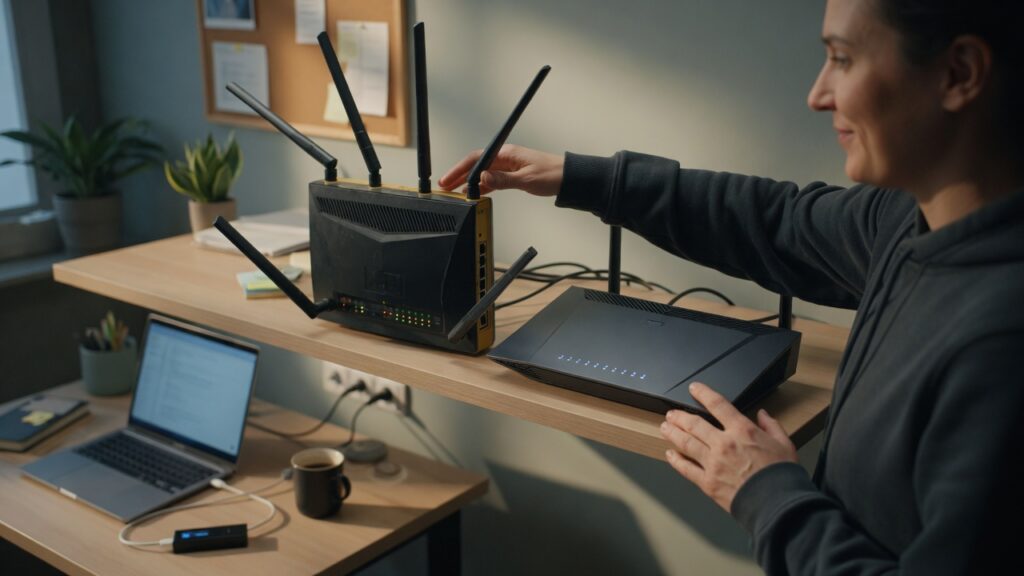
Wi-Fi 6 routers have been mainstream for a few years now. Wi-Fi 6E added the 6 GHz band. Wi-Fi 7 is starting to arrive. If you’re still running a Wi-Fi 5 (802.11ac) router you bought in 2019, the question of whether to upgrade comes up — especially when a family member says “the internet feels slow” and you’re not sure if the router is to blame.
Here’s an honest take, without the marketing.
What Wi-Fi 6 actually improved
Wi-Fi 5 was already capable of multi-gigabit theoretical speeds — numbers that most home internet connections couldn’t even saturate. The raw speed ceiling was not the main problem.
Wi-Fi 6 (802.11ax) addressed a different set of problems: congestion and efficiency, particularly with many devices connected simultaneously.
The key improvements:
OFDMA (Orthogonal Frequency Division Multiple Access) — a technique that lets the router send data to multiple devices in parallel on the same channel, rather than serving them sequentially. In a home with 20+ connected devices, this makes a real difference in responsiveness.
Target Wake Time (TWT) — devices can schedule when they communicate with the router, reducing radio contention and improving battery life on mobile devices and IoT gadgets.
Improved MU-MIMO — supports more simultaneous streams (up to 8 on Wi-Fi 6 vs. 4 on Wi-Fi 5), useful when multiple people are doing bandwidth-heavy things at the same time.
Better performance in dense environments — Wi-Fi 6 handles interference from neighboring networks more gracefully, which matters more in apartment buildings than in suburban houses.
When upgrading makes a genuine difference
If you’re in a household with many devices — say, 15 or more actively using Wi-Fi — and you notice that things feel sluggish during peak evening hours when everyone’s home and connected, a Wi-Fi 6 router can meaningfully reduce that congestion. The efficiency improvements are real.
If you use a lot of newer devices — phones and laptops from the last three years are mostly Wi-Fi 6 compatible — they’ll benefit from the new protocol features.
If you’re in a dense apartment building where interference is noticeable, Wi-Fi 6’s better interference handling helps.
And if your current router is more than five or six years old, an upgrade probably makes sense just on reliability and support grounds, regardless of the Wi-Fi generation.
When it probably doesn’t matter
If your internet plan tops out at 100–200 Mbps, you won’t experience a speed increase from Wi-Fi 6 — your ISP connection is the bottleneck, not the router. Wi-Fi 5 can deliver those speeds easily.
If you have a relatively small household (2–3 people) with fewer than 15 devices and your current setup works well, the improvement from upgrading will be marginal in daily use. The OFDMA and MU-MIMO improvements matter most under load. If you don’t regularly hit that load, you won’t notice the difference.
If most of your devices are older and don’t support Wi-Fi 6, they fall back to Wi-Fi 5 or 4 anyway. A Wi-Fi 6 router is backward compatible, but older devices don’t get the Wi-Fi 6 benefits.
A word on Wi-Fi 6E and Wi-Fi 7
Wi-Fi 6E adds the 6 GHz band to Wi-Fi 6. The 6 GHz band is less congested (fewer neighboring networks on it) and supports higher throughput at close range. The downside: 6 GHz has shorter range than 5 GHz, and not many devices support it yet.
Wi-Fi 7 (802.11be) is the next standard, with theoretical speeds significantly above Wi-Fi 6. In 2026, routers are available but device support is still catching up. Buying a Wi-Fi 7 router today means paying a premium for a feature most of your devices can’t use yet.
My practical take: Wi-Fi 6 is the current sweet spot. It’s well-supported, priced reasonably, and the device ecosystem has caught up. Wi-Fi 7 is worth waiting for if you’re not in a hurry.
The honest answer to the upgrade question
If your current Wi-Fi 5 router is less than four years old and your household isn’t experiencing problems — congestion, slow speeds, reliability issues — there’s no compelling reason to replace it.
If you’re troubleshooting ongoing issues, or your router is aging, or you’re building out a new setup from scratch, buy Wi-Fi 6. It’s the standard worth putting money into right now.
Chasing the newest standard is a reliable way to spend money on marginal improvements. Fixing an actual problem — weak coverage, congestion, an aging router with security vulnerabilities — is money well spent.

Connor writes practical guides on Wi-Fi, mesh networks, and home security — breaking down complex IT topics into clear, beginner-friendly steps.
More about me →