Your ISP’s Router vs. Buying Your Own: Which Is Actually Better?
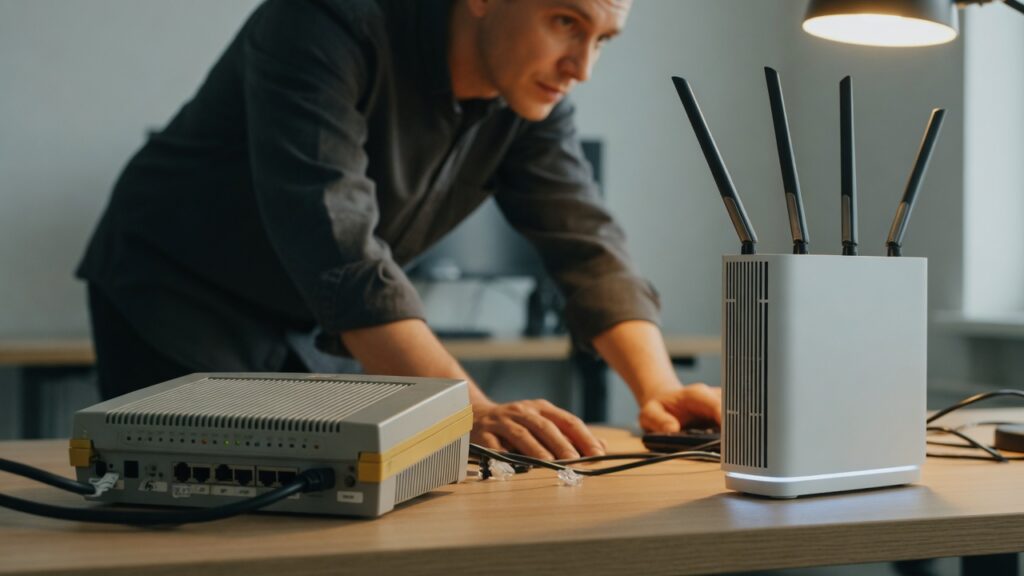
Most people use the router their internet provider gave them, or the modem-router combo unit that came with the installation. It works. Nobody questions it. The bill goes up a few dollars a month in rental fees, and that’s that.
But there’s a real question here: is the equipment your ISP provides actually good enough, and are you better off owning something yourself? The answer depends on your situation, but there are specific reasons the ISP-provided option often comes up short.
What you’re typically getting from your ISP
ISPs buy hardware in bulk at low cost. The goal is a device that works for the broadest possible customer base with minimal support calls. That usually means entry-level hardware that meets minimum requirements rather than something optimized for performance, range, or features.
Common characteristics of ISP-provided equipment:
- Adequate performance for basic use; limited ceiling on throughput and concurrent connections
- Minimal range compared to consumer routers in the same price bracket
- Fewer advanced features (no VPN client support, limited QoS options, basic parental controls)
- Older hardware that may lag behind on Wi-Fi standards
- Firmware controlled by the ISP, with slower security updates
There are exceptions. Some ISPs — Eero in some configurations, some fiber providers — actually provide reasonably good equipment. But entry-level cable modems paired with basic routers is the norm, particularly at the lower end of service tiers.
The rental fee argument
Renting equipment from your ISP typically costs $10–15 per month, though some providers charge more. Over two or three years, that’s $240–540 in rental fees for hardware that — if you owned it — would be yours permanently.
A quality consumer modem (for cable or DSL connections) costs $60–120. A solid Wi-Fi 6 router runs $100–250. Total hardware investment: $160–370. You break even on the rental cost within one to two years, and after that, the hardware is essentially free. You also own it, so when you switch ISPs, you’re not returning equipment or potentially dealing with return hassles.
Fiber connections typically don’t involve a separate modem — the ONT provided by the ISP is usually fixed equipment you don’t pay rental on. In that case, you’re mainly evaluating whether to use their router or your own.
When buying your own makes sense
You want better Wi-Fi range or coverage. Consumer routers in the $100–200 range almost universally outperform ISP-provided routers of similar age on range and signal strength. If you’re fighting weak coverage in parts of your home, your own router — or a mesh system — will likely perform better than whatever the ISP gave you.
You want features the ISP router doesn’t have. VPN client mode, more robust QoS, VLAN support, guest network isolation, better parental controls, DNS-over-HTTPS — ISP routers often lack these or implement them poorly. If you want any of them, you’ll need your own hardware.
You want control over your equipment. ISPs can push firmware updates to their routers, change settings, and in some cases lock down configuration options. When you own your router, you control it.
Your internet plan exceeds what the ISP hardware can handle. Some ISP-provided modems and routers have throughput ceilings. If you’re paying for a gigabit connection and your ISP hardware maxes out at 400 Mbps, you’re paying for speed you’re not getting.
When sticking with ISP equipment is reasonable
If your setup is working well, the rental fee doesn’t bother you, and you don’t need features beyond basic connectivity, there’s no urgent reason to change. Troubleshooting is easier when the ISP can see and manage the device — if something goes wrong, they can diagnose it remotely.
Also: if you’re on fiber with a modern ISP-provided gateway and you’re getting the full speed of your plan throughout your home, the argument for switching is mainly about features and autonomy rather than performance.
The practical approach
Check what you’re paying in equipment rental. If it’s $12/month, you’re paying $144/year for hardware that cost the ISP $50. Decide whether you’d rather own equivalent or better hardware.
If you want to own your equipment, buy a separate modem and router rather than a combined unit — separating them gives you more flexibility and the ability to upgrade each piece independently. For cable internet: check your ISP’s list of compatible modems (they maintain one) and buy a DOCSIS 3.1 modem from Motorola, Netgear, or Arris. Then pair it with whatever router meets your needs — a standalone Wi-Fi 6 router or a mesh system.
If your ISP provides a combined modem-router unit, you have two options: replace it entirely with your own modem + router, or put the ISP unit in bridge mode (which disables its router function) and add your own router behind it. The latter avoids double-NAT issues while letting you use your own router.
The equipment question isn’t complicated. It’s just one most people don’t think about until something breaks.

Connor writes practical guides on Wi-Fi, mesh networks, and home security — breaking down complex IT topics into clear, beginner-friendly steps.
More about me →