IoT Isolation: Why Your Smart Lightbulb Shouldn’t Be on the Same Network as Your Laptop
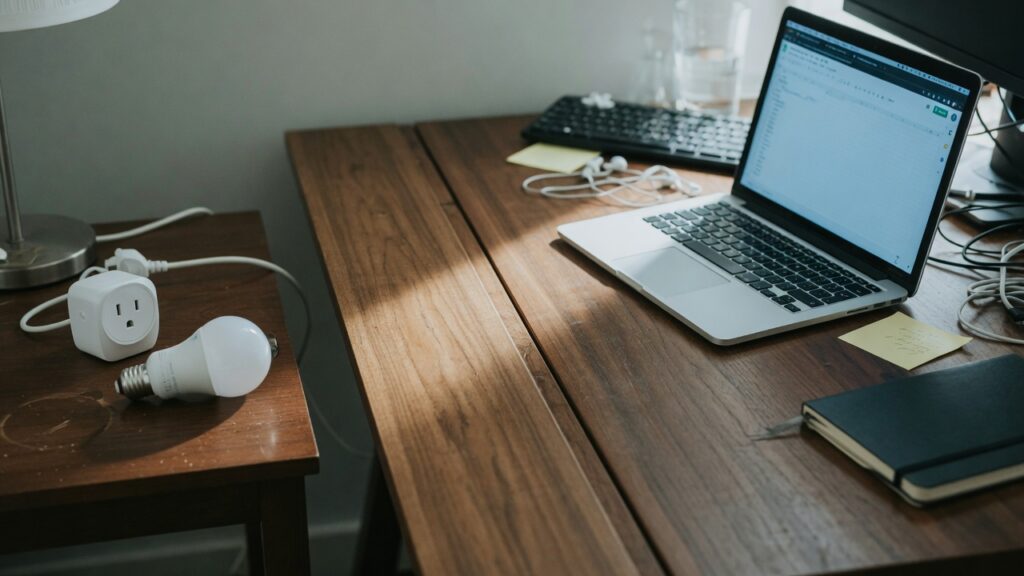
Here’s a scenario that sounds unlikely until it isn’t: a security researcher in 2019 demonstrated that they could pivot from a vulnerable smart fish tank thermometer to the casino network it was connected to and extract data. The casino’s high-roller database was not related to the fish tank in any way. They were just on the same network.
Smart home devices — bulbs, plugs, cameras, thermostats, robot vacuums, smart speakers — are convenient. They’re also, in many cases, poorly secured. Manufacturers prioritize cost and ease of setup over security. Firmware updates are sporadic or nonexistent. Default credentials are sometimes hardcoded. Vulnerabilities get discovered years after a product launches.
The answer isn’t to stop using them. It’s to stop trusting them the same way you trust your laptop.
What “same network” means in practice
On a typical home network, all devices can communicate with each other. Your laptop can reach your printer. Your phone can control your smart TV. That’s convenient and by design.
It also means your smart bulb can reach your laptop. Your cheap security camera can reach your NAS drive. Your smart doorbell can probe whatever else is connected. Most of the time, they don’t do anything — they’re just running their intended function. But if one of those devices gets compromised, it’s inside your network perimeter, and it has access to everything else.
This is what security people call lateral movement: once an attacker has a foothold on one device, they use it to move to others. A vulnerable smart plug becomes a stepping stone.
The fix: put IoT devices on a separate network
The solution is network segmentation — keeping your untrusted smart home devices on a different network from your laptops, phones, and anything sensitive. If the smart bulb is on network A and your laptop is on network B, the compromised bulb can’t reach the laptop.
There are two practical ways to do this for most home users.
Guest network. Almost every modern router and mesh system has a guest network feature. Enable it, give it a different password, and connect all your smart home devices to it. A properly configured guest network isolates its devices from the main network — devices on the guest network can reach the internet, but they can’t communicate with devices on the primary network. This is the simplest approach and works well for most households.
VLAN (Virtual LAN). A more advanced option that some higher-end home routers support. VLANs let you create multiple logically separate networks with more granular control over which devices can talk to which. If you have a router that supports it (and some knowledge to configure it), this is more powerful than a guest network. But for most people, the guest network approach is sufficient.
Setting up the guest network approach
Log into your router’s admin interface and look for a Guest Network or Guest WiFi section. Enable it, set a name (something like HomeNetwork-IoT works fine) and a password. The important setting to verify is network isolation — it may be called Client Isolation, AP Isolation, or Guest Network Isolation depending on your router. Make sure it’s enabled. This is what actually prevents guest-network devices from talking to main-network devices.
Then reconnect your smart home devices to the guest network. For most devices, that means going into the device’s app, removing it, and re-adding it using the new network credentials. Yes, this takes a bit of time if you have many devices. Do it on a weekend afternoon.
Keep your phones, laptops, tablets, computers, NAS drives, and work devices on your main network.
What still works after segmentation
Smart home control still works from your phone — the app communicates with the device through the cloud, not directly over your local network. Alexa and Google Home still work. Automations still run. For most smart home setups, local network isolation doesn’t break the functionality you’re using day to day.
The main thing you lose is local network discovery for devices that depend on it — some older smart TVs, certain network-attached printers, or devices that need to be discovered via mDNS or DLNA. If you run into a specific device that breaks after isolation, you can make an exception for it, but that’s a bridge to cross if you get there.
A proportional approach
If you have a smart bulb and a Google Nest thermostat and you’re not storing sensitive data anywhere at home, the risk is lower and the urgency is less. If you have a home office, a NAS drive with important files, crypto wallets on home devices, or business data on your home network — the argument for segmentation gets stronger. A guest network takes fifteen minutes to set up. The upside is that a compromised IoT device can’t reach the things that matter.

Connor writes practical guides on Wi-Fi, mesh networks, and home security — breaking down complex IT topics into clear, beginner-friendly steps.
More about me →