Crypto Hardware Wallets and Network Security: What You’re Still Missing
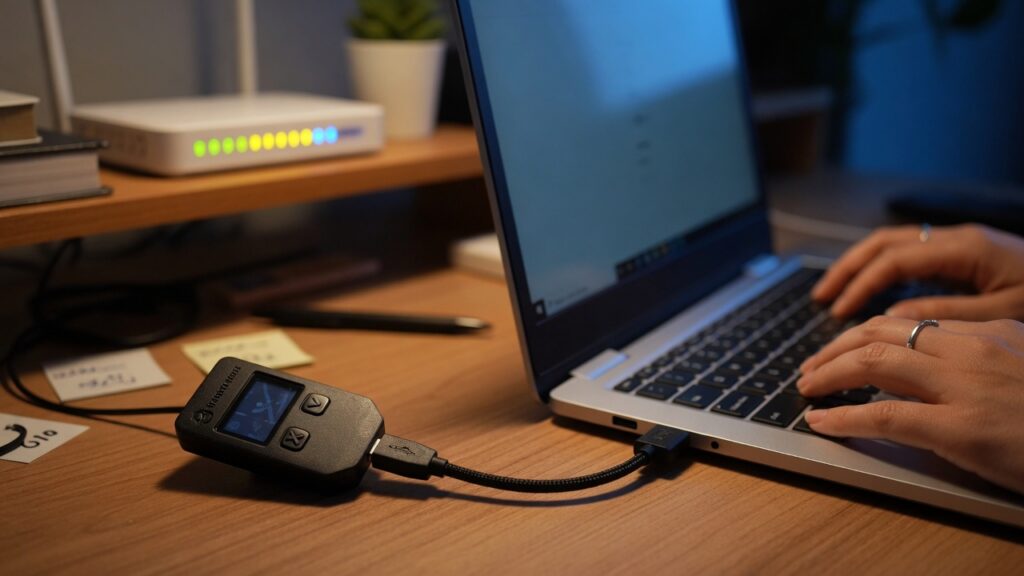
Hardware wallets — Ledger, Trezor, Coldcard, and the others — solve a specific problem elegantly: they keep your private keys isolated from internet-connected devices. Even if your computer is completely compromised with malware, a hardware wallet requires physical confirmation of transactions and never exposes the private key to your computer’s operating system. For significant crypto holdings, they’re the right tool.
But there’s a gap that hardware wallet guides rarely address: the moment you use your computer to interact with the wallet interface, your network is in the picture. The private keys stay protected, but other attack surfaces open up that have nothing to do with the wallet itself.
Where the network enters the equation
When you use a hardware wallet, the interaction goes roughly like this: you open a wallet interface on your computer (Ledger Live, Trezor Suite, MetaMask connected to your Ledger), you initiate a transaction, the transaction details are sent to the hardware device for you to verify and confirm, and then the signed transaction is broadcast to the blockchain network.
Your private keys never leave the hardware device. That part is secure by design.
What your computer does handle: the unsigned transaction data, the interface, communication with the wallet software’s servers, and the broadcast of the signed transaction. If your computer is compromised, an attacker could manipulate what you see on the interface — substituting a different destination address before you review it on the device — or could steal session data from a browser-based wallet interface.
Your network also handles all the traffic between your computer, the wallet software’s backend, and the blockchain infrastructure. If that traffic can be monitored or manipulated, there are potential vectors.
Specific risks worth knowing
Address substitution malware. Some malware specifically targets cryptocurrency users by monitoring the clipboard. When you copy a wallet address to paste it into a transaction, the malware substitutes a different address — one controlled by the attacker — before you paste it. You think you’re sending to your cold storage; you’re actually sending to a stranger. The hardware wallet will show you the correct destination address to confirm — which is why you should always verify the address on the hardware device’s screen, not just on your computer screen.
Compromised wallet software. If you download Ledger Live or Trezor Suite from a source other than the official manufacturer’s website, you may get a modified version. Only download wallet software from the verified official source. Use the manufacturer’s PGP signature verification if it’s available.
Phishing for seed phrases. This is network-adjacent rather than network-specific. Attackers send emails or create websites posing as hardware wallet companies, claiming you need to “verify” or “restore” your wallet using your seed phrase. No legitimate wallet manufacturer will ever ask for your seed phrase. The seed phrase is the one thing that should never be entered online, ever.
Evil maid / physical access. If someone has physical access to your hardware wallet and your PIN is weak, or if someone could observe you entering your PIN, the hardware security is compromised. This is less a network issue and more a physical security one, but it’s worth mentioning.
What network hygiene actually helps with
Keep your computer clean. The device you use for crypto transactions should have minimal attack surface. Avoid installing software from unverified sources. Don’t open attachments from unknown senders on this machine. Keep your OS and wallet software updated. Address substitution malware enters through compromised software or browser extensions.
Be careful with browser extensions. MetaMask and similar browser-based wallet interfaces interact with websites that request wallet connections. Malicious browser extensions have been used to steal session tokens and manipulate transaction data. Audit your browser extensions and remove anything you don’t actively use.
Use a VPN. On your home network, a VPN prevents your ISP from seeing your transaction-related traffic patterns — which blockchain nodes you’re connecting to, which wallet services you use. It’s a privacy layer, not a security-critical one, but it’s worth having.
Keep your IoT devices off the same network segment as your transaction computer. A compromised smart home device could probe your local network. Keep IoT gear on an isolated guest network (covered in a previous post) so it can’t interact with your transaction computer.
The honest perspective
Hardware wallets are excellent. The scenario where someone compromises your private keys through a correctly used hardware wallet is genuinely difficult to construct. The realistic attack vectors for hardware wallet users are mostly in adjacent areas: phishing, clipboard malware, fake software, seed phrase exposure.
Good network hygiene — clean device, updated software, VPN, IoT isolation — addresses the network-adjacent risks without requiring anything exotic. Combined with the hardware wallet itself, it’s a solid posture for personal crypto holdings at any significant scale.
The seed phrase is the one thing worth being absolutely religious about. Write it on paper. Store it somewhere physically secure. Never photograph it, never type it online, never tell anyone what it is. Every other security measure exists to protect what’s already protected by not exposing that phrase.

Connor writes practical guides on Wi-Fi, mesh networks, and home security — breaking down complex IT topics into clear, beginner-friendly steps.
More about me →