How to Protect Your Home Network from Ransomware
Ransomware used to be mostly a business problem. Then it became a small business problem. Now it’s a home network problem too — particularly for households where someone works from home, has a NAS drive full of photos and documents, or runs any kind of home server. The economics of ransomware attacks have shifted toward volume; automated campaigns look for vulnerable targets wherever they are, and home networks are often softer targets than corporate ones.
What follows isn’t a complete security curriculum. It’s the specific things that make a meaningful difference for a home network, in order of impact.
The way ransomware typically reaches home networks
Understanding the entry points helps you prioritize.
Phishing emails. The most common vector across all targets. Someone clicks a link or attachment, malware executes, and encryption begins. This isn’t a network security problem per se — it’s an email and user behavior problem — but it’s the reason endpoint protection matters.
Remote Desktop Protocol (RDP) exposure. If you have RDP enabled and exposed to the internet (port 3389 open), automated scanners find it within minutes of it going live. Brute-force attacks against weak RDP credentials are a common ransomware entry point. If you don’t know what RDP is, it’s likely not relevant to you. If you do, close the port or use a VPN gateway instead.
Outdated software with known vulnerabilities. Ransomware operators actively scan for unpatched systems — unpatched Windows, unpatched NAS firmware, unpatched router firmware. A publicly known vulnerability with an available exploit is an open door. Keeping software updated closes those doors.
Compromised NAS devices. Network-attached storage devices are a specific target because they often contain valuable data and are frequently left with default credentials or unpatched firmware. NAS manufacturers (Synology, QNAP, others) regularly patch vulnerabilities. The patches don’t help if they’re not installed.
What to actually do
Keep everything updated. Windows, macOS, your NAS firmware, your router firmware, your smart devices. This is the highest-leverage single action. Ransomware campaigns disproportionately target known, patched vulnerabilities — meaning organizations that haven’t applied patches that have been available for months.
Enable automatic updates for operating systems where practical. For NAS devices and routers, set a reminder to check for updates quarterly at minimum.
Close port forwarding you don’t need. If you’re not sure what’s forwarded on your router, check the port forwarding section of your router admin panel. Remove any rules you don’t recognize or no longer need. RDP (port 3389), SMB (port 445), and older NAS management ports are the high-risk ones.
Don’t expose your NAS directly to the internet. NAS devices should be accessible from outside your home through a VPN, not through direct port forwarding. If you use your Synology or QNAP remotely, enable their VPN server software and connect through that, rather than forwarding the NAS’s management port to the internet.
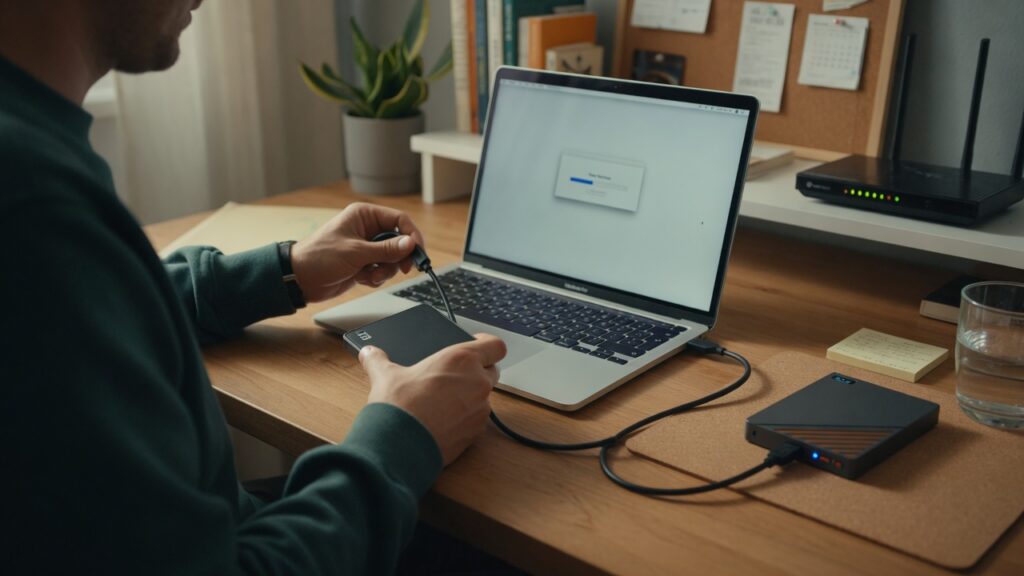
The 3-2-1 backup rule. This is your actual ransomware defense: three copies of important data, on two different types of storage, with one copy offsite (or air-gapped). Cloud backup (Backblaze B2, AWS S3, iCloud for personal photos) counts as the offsite copy. An external hard drive that’s only plugged in during backups and then unplugged provides the air-gapped copy — ransomware can’t encrypt a drive it can’t reach.
If you have a backup that isn’t connected to the network, ransomware doesn’t end you. It’s disruptive and unpleasant, but recoverable. Without that backup, it’s potentially catastrophic.
Use a separate local user account for daily use. Ransomware running as a standard user account has less access than ransomware running as an administrator. On Windows, create a standard (non-admin) account for daily use. Only log into the admin account when you need to install software or make system changes. This limits the blast radius if something executes.
Network segmentation for high-value targets. If you have a NAS drive with irreplaceable data, consider putting it on a separate VLAN from your general devices. If a laptop on your main network gets compromised, the malware would need to cross the network boundary to reach the NAS — which adds friction and visibility.
What not to worry about
Not every security threat requires a response. Ransomware targeting home networks specifically exploits:
- Open ports and exposed services
- Unpatched vulnerabilities
- Weak or default credentials
- Phishing
A home network with updated software, no unnecessary open ports, strong unique passwords, and a solid backup is genuinely well-protected against the vast majority of ransomware campaigns. The sophisticated, targeted attacks against hardened corporate networks require a different response — but they’re also not targeting your home NAS.
The backup is the thing. If your data is recoverable, ransomware is expensive (in time) rather than devastating. Set up an offsite backup that runs automatically, and you’ve addressed the worst-case outcome regardless of what else happens.

Connor writes practical guides on Wi-Fi, mesh networks, and home security — breaking down complex IT topics into clear, beginner-friendly steps.
More about me →